Docker Desktop and Installation
Docker desktop is an easy way to visually manage your docker containers and images. Installing it will also install Docker!
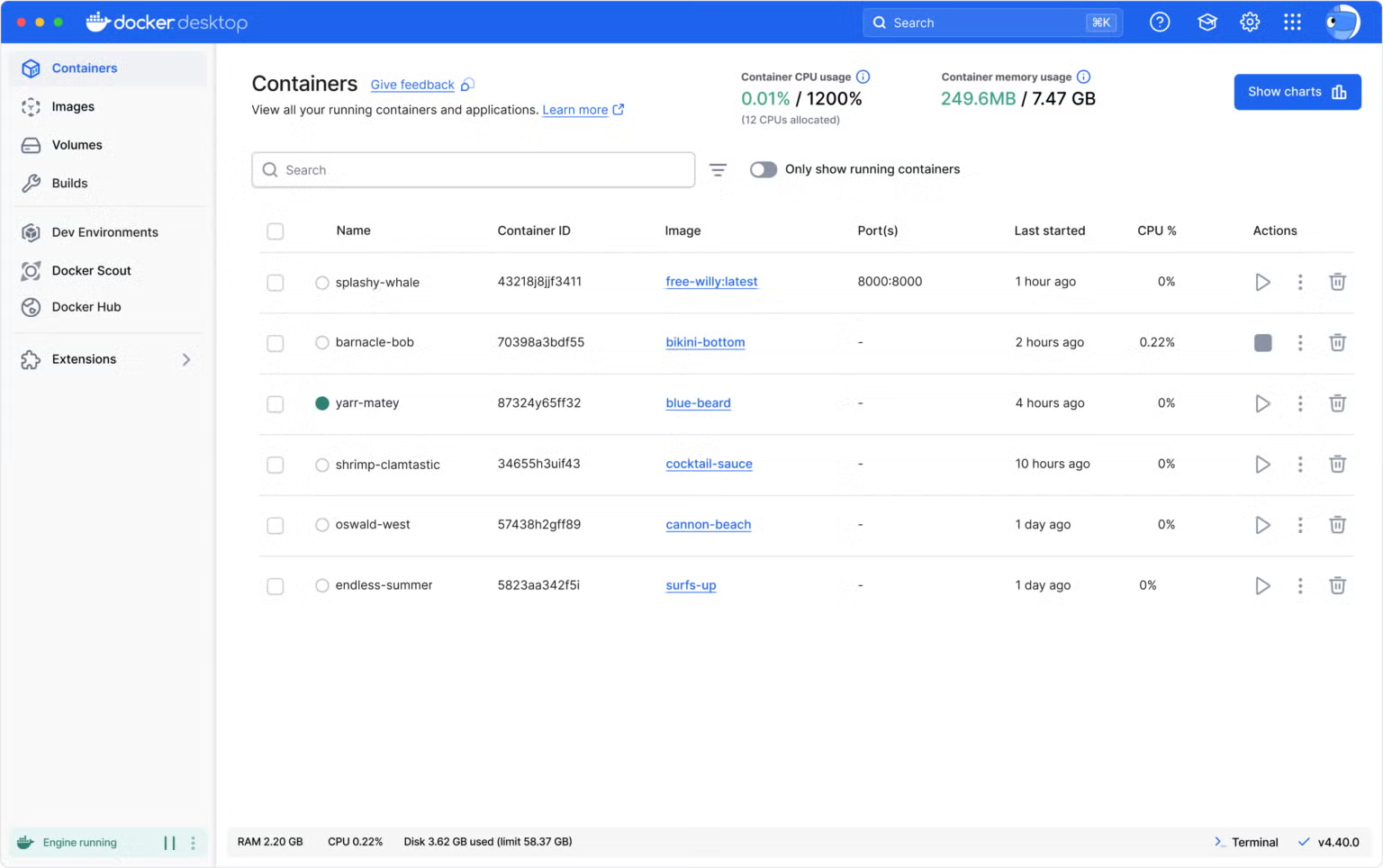
Docker desktop allows you to view all of your containers (running and stopped) and easily start, delete, and view extra information about them outside of the command line (image from official Docker website)
The desktop installation download is different depending on your operating system. Since Docker has official tutorials for desktop installation for the major operating systems, you will be following their official tutorials for installation.
If you are using a mac, follow the instructions for installing Docker desktop at this link. If you are on Linux, use this link, and if you are on Windows, use this link.